
Sound Forge Pro workflows: pick the guide that matches your job

These are end-to-end guides for real jobs, not feature tours. One honest rule decides whether Sound Forge fits your work: it is a single-file editor, not a multitrack DAW. Cleaning, mastering and delivering one file at a time — it excels. Arranging stems, layering takes, mixing a session — that's a DAW job, and pretending otherwise wastes your week.
◆ Quick answer: Use Sound Forge Pro when the job is editing, cleaning, mastering or delivering one audio file at a time. Use a DAW when the job is arranging stems, layering takes, mixing a session or working with MIDI. This hub routes you to the right workflow: podcast, voice-over, vinyl restoration, Vegas Pro round-trip, Samplitude handoff or music production limits.
Sound Forge Pro Workflow Router
| Job | Use Sound Forge for | Guide |
|---|---|---|
| Podcast | Dialogue cleanup, voice EQ, Wave Hammer compression, LUFS checks and MP3 delivery. | Sound Forge Pro for Podcast Editing |
| Voice-over | ASIO setup, punch-in, breath editing, de-essing, normalization and ACX-style delivery. | Sound Forge Pro for Voice-Over Recording |
| Vinyl | Recording, DeClicker, DeCrackler, NR-2.0, EQ, track splitting and FLAC delivery. | Sound Forge Pro for Vinyl Restoration |
| Video | Vegas Pro round-trip, dialogue repair, voice-over mastering and broadcast delivery. | Sound Forge and Vegas Pro Workflow |
| Music | Sample editing, stem processing, mastering and final file prep next to a DAW. | Sound Forge Pro for Music Production |
| DAW handoff | Round-trip file editing from a Samplitude session without pretending Sound Forge replaces the DAW. | Sound Forge in Samplitude Suite |
Where Sound Forge Fits Next to a DAW
Sound Forge is best when the file itself is the job: recording a voice-over, cleaning one dialogue file, restoring one side of a vinyl record, mastering one stereo mix, batch-processing exports or sending audio back to Vegas Pro or Samplitude. A DAW is better when the session is the job: arranging stems, recording multiple takes, mixing tracks, editing MIDI, using virtual instruments or automating a full production.
If you are trying to decide whether Sound Forge can replace a DAW, start with the music production guide or the Reaper comparison before building a workflow around the wrong tool.
What Not to Use Sound Forge Pro For
- Full multitrack mixing: use a DAW like Reaper, Samplitude, Logic, Pro Tools or Ableton.
- MIDI sequencing: Sound Forge is not built around MIDI composition.
- Layering takes and arranging songs: use Acid Pro, Samplitude or another DAW first, then Sound Forge for file-level finishing.
- Video editing: use Vegas Pro or another NLE, then round-trip audio to Sound Forge when the file needs repair or mastering.
Is Sound Forge a DAW?
No. Sound Forge is a single-file audio editor for recording, editing, restoration, mastering and delivery. It is not built around multitrack arrangement, MIDI, virtual instruments or session mixing.
Can I use Sound Forge for podcast editing?
Yes, especially for solo shows, interviews, dialogue cleanup, loudness checks and final MP3 delivery. For complex multitrack podcast production, use a DAW first and Sound Forge for cleanup or final file mastering.
Can Sound Forge restore vinyl records?
Yes. It works well for recording vinyl, removing clicks and crackle, reducing noise, splitting tracks and exporting FLAC or WAV, as long as you preserve transients and do not over-process the record.
Does Sound Forge work with Vegas Pro?
Yes. Sound Forge has long been used as an external audio editor for Vegas Pro workflows, especially for dialogue repair, voice-over cleanup and final file mastering for video editors.
Should I use Sound Forge or Samplitude?
Use Samplitude for DAW session work: recording, arranging, mixing and object-based multitrack editing. Use Sound Forge when one audio file needs precise destructive editing, restoration, mastering or delivery.
All Workflows guides
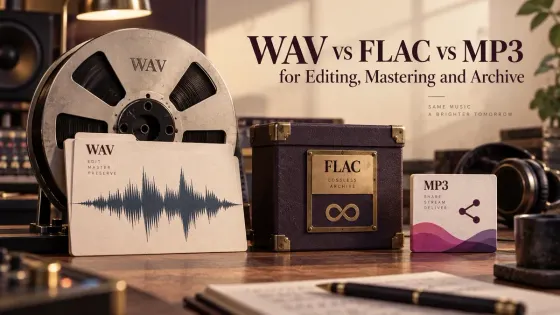
WAV vs FLAC vs MP3 for Editing, Mastering and Archive
A practical guide to choosing WAV, FLAC or MP3 for active editing, mastering, long-term storage, client handoff and listening copies.
Open clip →
Room Tone: Record, Edit and Use It in Sound Forge
A practical Sound Forge workflow for recording matching room tone, filling dialogue gaps and hiding edit boundaries without obvious loops.
Open clip →
Mono Compatibility and Phase Correlation in Sound Forge
A practical Sound Forge workflow for spotting phase cancellation, checking a real mono fold-down and repairing the source without losing useful stereo width.
Open clip →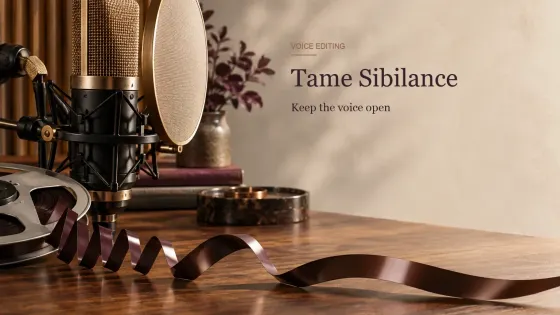
How to Reduce Sibilance in Sound Forge Without Dulling the Voice
A practical de-essing workflow for harsh S, SH and Z sounds, from local syllable repair to Dynamic EQ and dedicated VST3 tools.
Open clip →
Audio Export QA Checklist: Catch Problems Before Delivery
A repeatable pre-delivery check for audio format, channel layout, loudness, peaks, metadata, render boundaries and file integrity.
Open clip →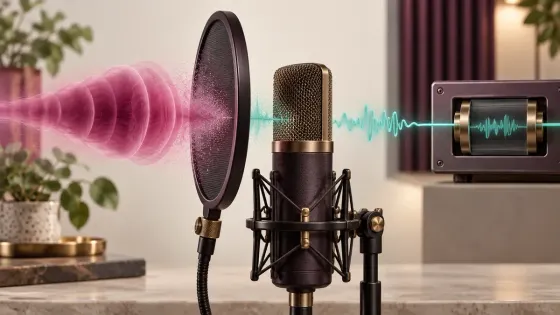
How to Remove Plosives from Audio Without Thinning the Voice
A practical repair order for P and B blasts: isolate the burst, reduce its level and low-frequency energy, then compare in context.
Open clip →
Tempo-Synced Delay & Reverb: BPM Timing Guide
Choose a delay note value by where the repeat lands, then set feedback, reverb pre-delay, and decay as separate mix decisions.
Open clip →
Sound Forge in Samplitude Suite 2026: Setup & Workflow
A copy-first Samplitude Suite workflow for sending file-level edits to Sound Forge, saving safely and checking the returned audio in the VIP.
Open clip →
Sound Forge and Vegas Pro Workflow for Video Editors
Use Vegas Pro for the timeline and Sound Forge for a file-level repair. In Vegas Pro, set Sound Forge
Open clip →
Sound Forge Pro for Music Production: 2026 Workflow
Sound Forge Pro can be useful for music production, but it should not be mistaken for a music-production DAW.
Open clip →
Sound Forge Pro for Voice-Over Recording
Sound Forge Pro 2026 is a strong voice-over editor when the job centers on one narration file: record, punch
Open clip →
Digitize Vinyl Records on Windows: Restore & Archive
A preservation-first vinyl workflow: connect the phono chain, check real converter resolution, keep a raw master, repair a copy and verify track exports.
Open clip →