
Editorial author
Erick Finn
Erick Finn writes SoundForgePro guides about audio editing, restoration and mastering using documented product information.
Latest guides
Guides by Erick Finn
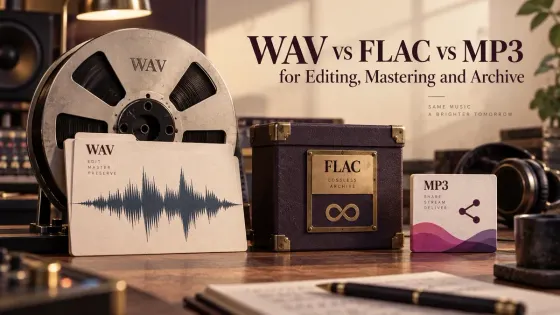
WAV vs FLAC vs MP3 for Editing, Mastering and Archive
A practical guide to choosing WAV, FLAC or MP3 for active editing, mastering, long-term storage, client handoff and listening copies.
Read guide →
Room Tone: Record, Edit and Use It in Sound Forge
A practical Sound Forge workflow for recording matching room tone, filling dialogue gaps and hiding edit boundaries without obvious loops.
Read guide →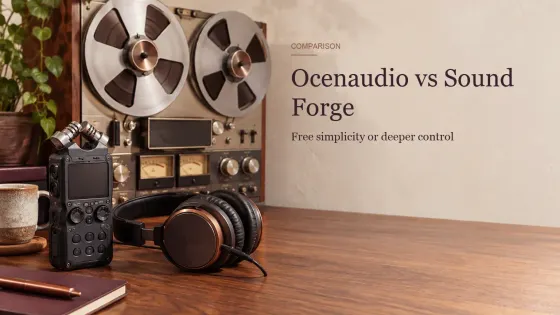
Ocenaudio vs Sound Forge: Free Simplicity or Pro Workflow?
A practical Ocenaudio vs Sound Forge comparison for choosing between free cross-platform editing and a deeper Windows production workflow.
Read guide →
Mono Compatibility and Phase Correlation in Sound Forge
A practical Sound Forge workflow for spotting phase cancellation, checking a real mono fold-down and repairing the source without losing useful stereo width.
Read guide →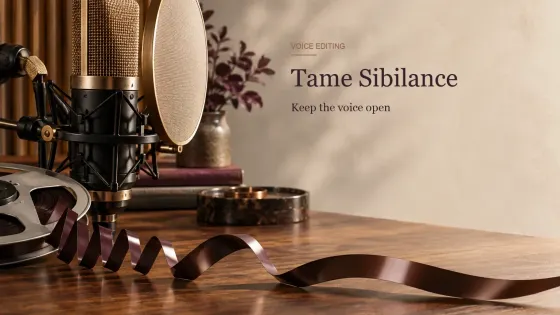
How to Reduce Sibilance in Sound Forge Without Dulling the Voice
A practical de-essing workflow for harsh S, SH and Z sounds, from local syllable repair to Dynamic EQ and dedicated VST3 tools.
Read guide →
Audio Latency Calculator: Samples to Milliseconds
Convert buffer samples to milliseconds, compare sample rates and interpret input, output and round-trip latency with the limits made clear.
Read guide →
GoldWave vs Sound Forge: Which Audio Editor Fits Your Work?
A practical GoldWave vs Sound Forge comparison based on editing depth, batch work, plug-ins, scripting, multichannel needs and licensing.
Read guide →
Audio Export QA Checklist: Catch Problems Before Delivery
A repeatable pre-delivery check for audio format, channel layout, loudness, peaks, metadata, render boundaries and file integrity.
Read guide →
How to Remove Plosives from Audio Without Thinning the Voice
A practical repair order for P and B blasts: isolate the burst, reduce its level and low-frequency energy, then compare in context.
Read guide →
Online Microphone Test: Level, Clipping and Noise Check
Check the selected microphone, live RMS and peak level, clipping risk, input silence and a short local recording before opening your editor.
Read guide →
Pink Noise Generator
Play pink noise instantly, compare white and brown profiles, set a timer, and download a local 30-second WAV without recording or uploading audio.
Read guide →
Audio Frequency Chart: EQ Bands & Instruments
Use the chart by task: trace a listening problem, compare voice and instrument regions, or map broad EQ bands before making a correction.
Read guide →