
Free browser audio tools for measuring, testing and planning

Choose the tool that matches your job: check a speaker, inspect a recording, look up a note, generate a reference signal, calculate timing or plan file storage. Each tool runs in your browser.
Privacy: File analysis and calculations run on your device. The Spectrum Analyzer and Pitch Detector request microphone access when you choose live input. Microphone Test requests access when you start the test.
Choose the right audio tool
Check speakers and channels
Find frequencies and musical notes
Generate a reference signal
Calculate tempo and note times
Measure a file and plan storage
A practical order for a finished audio file
- Inspect the spectrum if you hear hum, harshness or an unexplained tone.
- Measure loudness across the complete finished file, then read LUFS and true peak together.
- Calculate delivery size after choosing the final format, sample rate, bit depth or bitrate.
- Use generated signals only for playback checks. A tone or channel test diagnoses routing; it does not repair the source file.
Need the concepts behind these readings and controls? The Audio Fundamentals guides explain frequency, musical pitch, note timing and noise types before you choose a tool.
Which tool should I use to check a finished master?
Start with the LUFS Meter to read integrated loudness and true peak. Open the Spectrum Analyzer as a second check when you hear a tonal or frequency-specific problem.
Are audio files uploaded to SoundForgePro.com?
No. The current tools analyze files and perform calculations in the browser. The Spectrum Analyzer and Pitch Detector can request microphone access when you deliberately choose live input, and Microphone Test requests access when you start the test. These tools process the microphone signal in the browser.
Is the browser LUFS Meter a certified delivery meter?
No. Use it as an editorial and delivery pre-check. If a broadcaster, network or contract requires a certified measurement path, use the specified conforming meter.
What is the difference between the Tone Generator and Left/Right Speaker Test?
The Tone Generator creates an exact frequency or sweep. The Left/Right Speaker Test sends a known signal to the left, right or both channels so you can check channel order and routing.
Do these tools replace Sound Forge?
No. They are focused checks around an editing workflow. Use Sound Forge or another editor to change the audio; use these tools to measure, inspect, plan or test.
All Audio Tools guides
Audio Frequency Chart: EQ Bands & Instruments
Use the chart by task: trace a listening problem, compare voice and instrument regions, or map broad EQ bands before making a correction.
Open clip →
Musical Note Frequency Chart & Calculator
Look up every note from C0 to B8 or convert notes and frequencies in either direction with an adjustable A4 reference.
Open clip →
Online Pitch Detector: Note, Hz & Cents
Use your microphone to identify one steady note, its frequency and how many cents it sits sharp or flat. Audio stays in your browser.
Open clip →
Online Headphone Test: L/R, Balance & Sweep
Run a compact five-step headphone check for channels, balance, bass, sweep, and phase without a microphone or upload.
Open clip →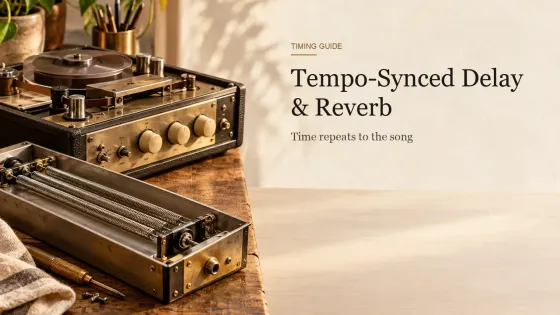
Tempo-Synced Delay & Reverb: BPM Timing Guide
Choose a delay note value by where the repeat lands, then set feedback, reverb pre-delay, and decay as separate mix decisions.
Open clip →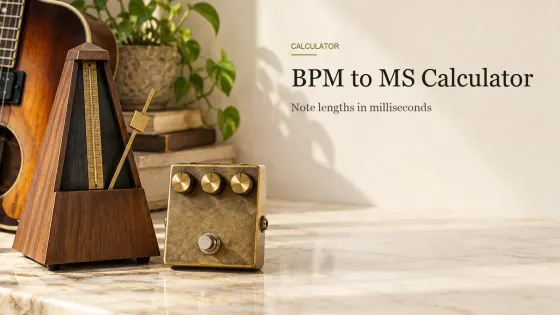
BPM to MS Calculator: Delay & Note Times
Convert a known quarter-note BPM into straight, dotted, and triplet note times, or reverse a selected millisecond value back to BPM.
Open clip →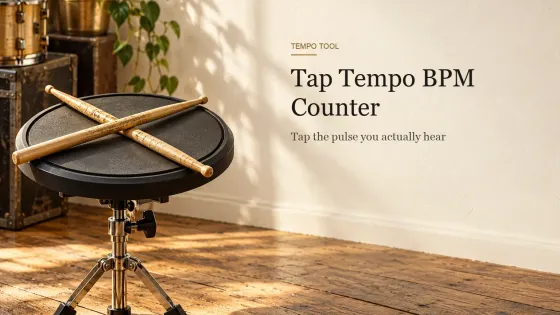
Tap Tempo: Free Online BPM Counter
Tap a song’s beat to find its BPM in your browser, check timing stability, and copy the result. No microphone, audio access, or upload.
Open clip →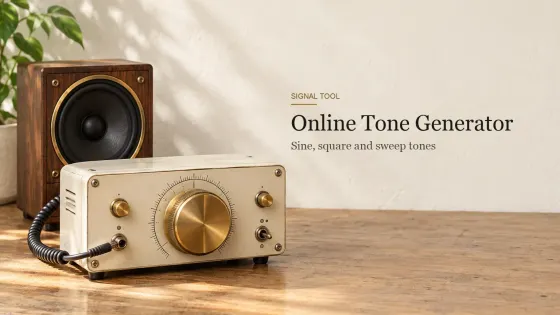
Online Tone Generator: Play Sine, Square & Sweep Tones
Play an exact browser-generated tone, compare four waveforms or run a timed frequency sweep without uploading or recording audio.
Open clip →
Left and Right Speaker Test: Check Stereo Channels Online
Play left, center, right and a smooth stereo pan in your browser, then match swapped, silent or mono-collapsed channels to the right fix.
Open clip →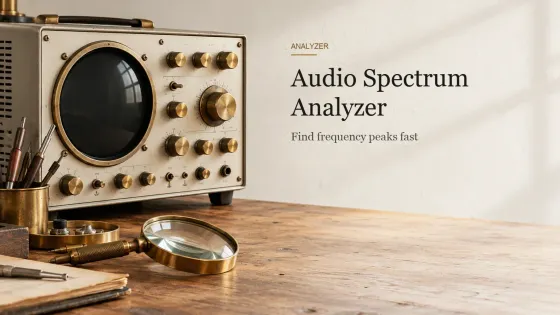
Audio Spectrum Analyzer Online: FFT & Frequency Peaks
Inspect frequencies, harmonics and dominant peaks from a local file or microphone. The audio stays in your browser.
Open clip →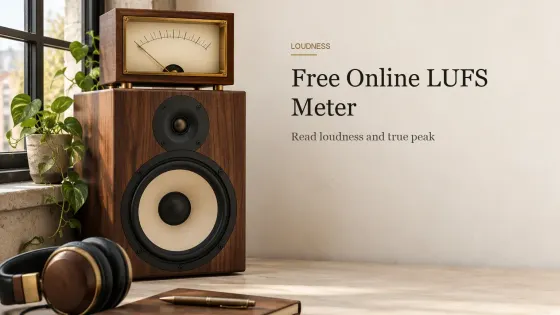
Free Online LUFS Meter: Loudness & True Peak
A private browser loudness check with integrated LUFS, LRA, estimated true peak, sample peak and a peak-aware gain plan.
Open clip →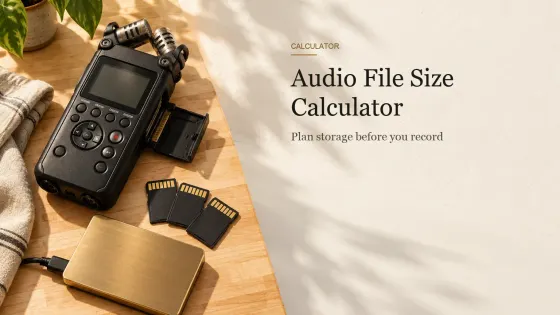
Audio File Size Calculator: WAV, FLAC, MP3 and AAC
Calculate file size, recording time or drive capacity with exact PCM math, editable WAV and AIFF overhead, measured bitrate and a practical FLAC range.
Open clip →