
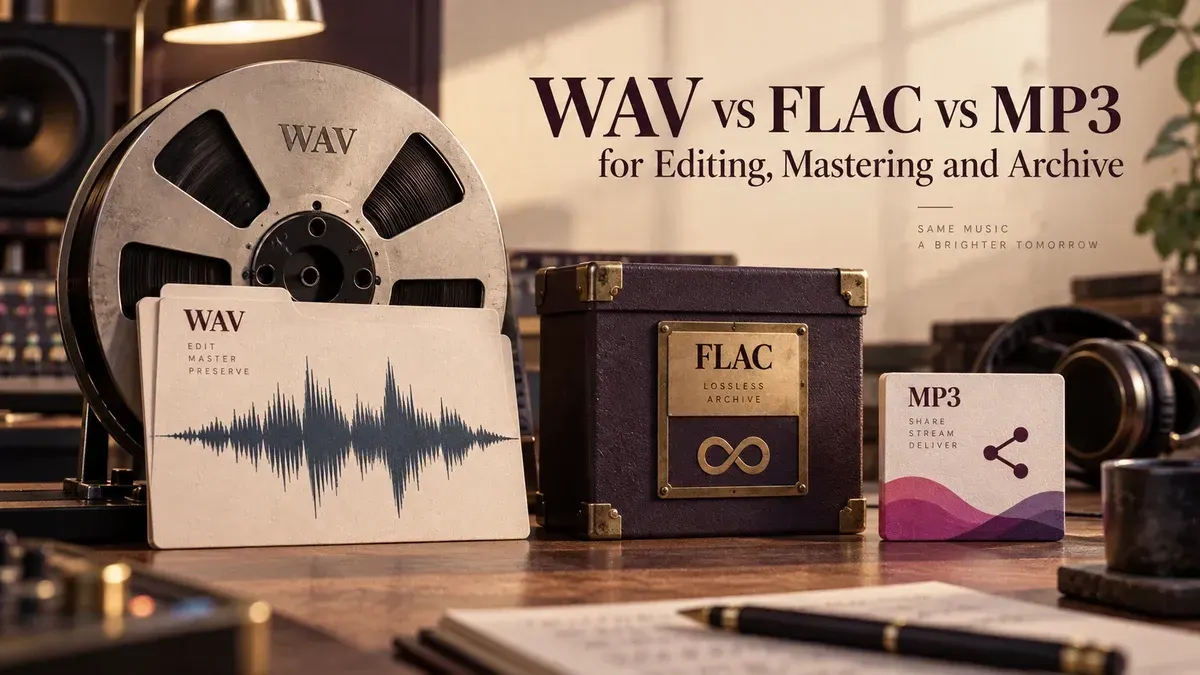
If the file will be edited, mastered or encoded again, keep a lossless source. WAV is the safest default for active work, FLAC is a strong choice for lossless storage and transfer, and MP3 belongs at the delivery end of the chain.
The practical rule: edit and master from WAV or FLAC, preserve one lossless master, then create MP3 only when a smaller listening copy is actually needed. Converting an MP3 to WAV changes the file format; it does not restore audio that the MP3 encoder removed.
The short answer by task
| Task | Best starting choice | Reason |
|---|---|---|
| Editing | WAV | Broad compatibility and a direct, uncompressed working file when the WAV contains PCM audio |
| Mastering | WAV or lossless source | Preserves the available signal through processing and later exports |
| Archive | FLAC or WAV | Both can preserve the audio losslessly; FLAC usually uses less storage |
| Client handoff for more work | WAV, or FLAC if agreed | Keeps a lossless source for the next editor or engineer |
| Review copy or general listening | MP3 | Small, widely playable file when further production is not expected |
This is a workflow decision, not a contest for one universal winner. The receiving software, delivery specification, metadata requirements and future editing plans still matter.
What WAV, FLAC and MP3 actually store
A file extension tells you only part of the story. The underlying encoding and file parameters determine what the file can preserve and how software handles it.
WAV is a container, usually carrying PCM
Microsoft documents WAVE as part of the RIFF family: the file is built from chunks, including a format chunk that describes the audio and a data chunk that carries it. In everyday production, WAV commonly contains uncompressed PCM audio, but the extension alone does not guarantee one codec, sample rate or bit depth.
That distinction matters when someone asks for “a WAV.” A 16-bit, 44.1 kHz stereo file and a 24-bit, 96 kHz mono file can both be WAV files. Check the requested parameters instead of treating the extension as a complete delivery specification.
FLAC compresses without discarding audio information
FLAC is lossless. The decoder reconstructs the original audio represented by the encoded stream, so moving between PCM and FLAC does not create the kind of generational loss associated with MP3. The exact file-size reduction varies with the material; there is no honest fixed percentage that applies to every recording.
FLAC also has defined metadata structures and includes an MD5 signature for decoded audio in its STREAMINFO metadata. That can support integrity checking, but it does not replace backups, duplicate storage or a documented archive process.
MP3 trades information for a smaller file
MP3 uses perceptual, lossy coding. It reduces or discards information according to the encoder, bitrate and characteristics of the audio. The result is useful when size and playback compatibility matter more than retaining a production master.
Once that information has been removed, placing the decoded result in a WAV container cannot bring it back. The WAV may be larger, but its useful source quality is still limited by the MP3 it came from.
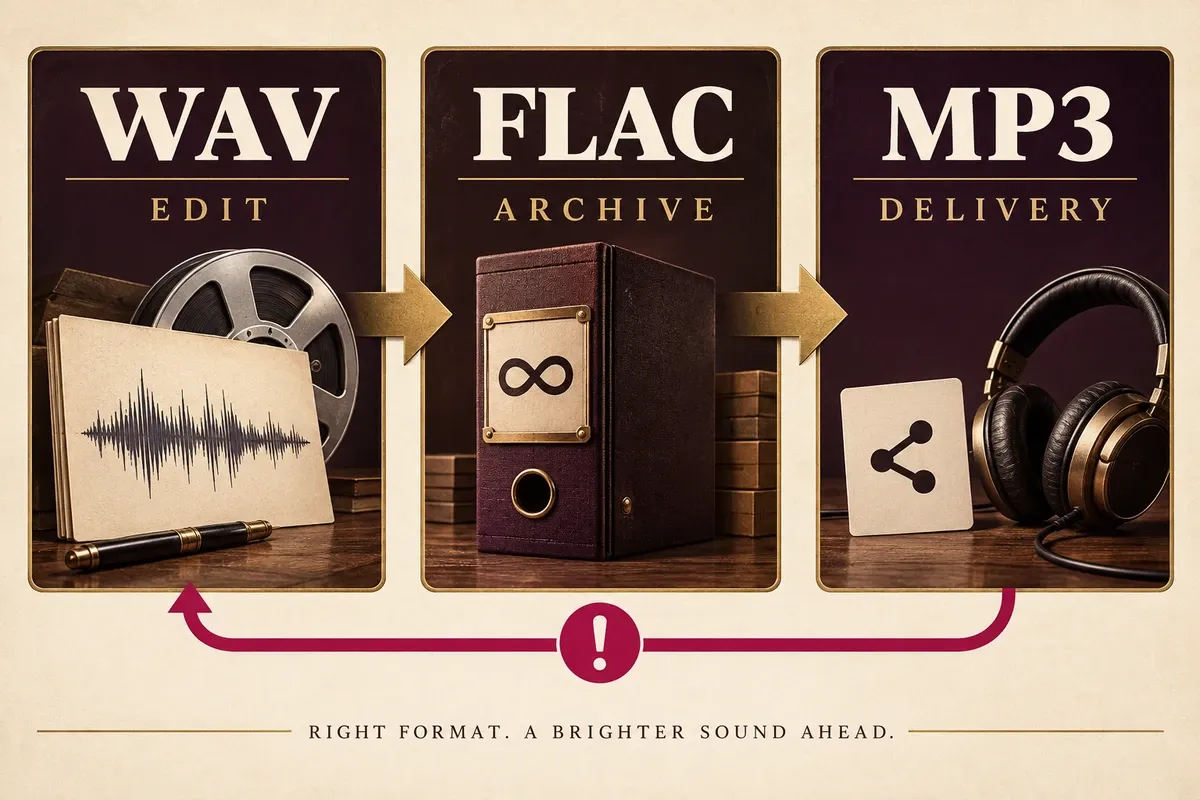
Use WAV for active editing when compatibility matters most
WAV is the straightforward working format when the project will move between editors, restoration tools, video applications or mastering systems. An uncompressed PCM WAV avoids asking each application to decode a compressed source while you work, and it is easy to inspect for sample rate, bit depth and channel layout.
That does not mean FLAC is unsuitable audio. A correctly decoded FLAC yields the same audio represented by its lossless source. The practical issue is software support and workflow friction. If every application in the chain reads FLAC correctly, it can be used without an audio-quality penalty. If compatibility is uncertain, make a deliberate WAV working copy and retain the original FLAC.
If the only source is MP3, do not pretend that a conversion improves it. Open the best available original, make the necessary edit, and save the working version losslessly so repeated saves do not add another MP3 encode. Create the new MP3 once, at the end, if the delivery still requires it.
Keep mastering lossless from input to approved master
Mastering changes level, dynamics, frequency balance, fades and sequencing. Those decisions may be revised, and the approved master may later feed several delivery formats. A lossless source keeps the available signal intact through those stages.
WAV is usually the simplest mastering deliverable because its PCM parameters are explicit and broadly accepted. FLAC can carry the same underlying audio losslessly, but the mastering engineer or distributor may specify WAV for compatibility. Follow the written delivery specification instead of converting sample rate or bit depth simply because a larger number looks safer.
Keep the approved lossless master separate from listening copies. An MP3 can be useful for approval, but it should not become the file used for a later revision, vinyl pre-master, broadcast version or new streaming encode.
Choose FLAC or WAV for an archive, then protect the archive itself
For long-term storage, both FLAC and uncompressed PCM WAV can preserve the audio without lossy coding. FLAC is attractive when storage and transfer size matter. WAV is attractive when maximum compatibility with older or specialist production systems matters.
The format choice is only one part of preservation. Keep more than one copy, store copies in separate locations, retain the original filenames and project notes, and verify that archived files can still be read. If embedded metadata is important, check what survives the exact export and import path rather than assuming every field maps cleanly between formats.
Large or unusual WAV projects need special attention. Sound Forge documentation includes preferences for large Wave renders and support decisions around compressed formats. There is no useful universal size rule for every WAV workflow; the receiving application, filesystem and chosen WAV variant determine the real limit.
Match the client handoff to what happens next
Ask one question before exporting: will the recipient continue production, or only listen?
- More editing, mixing or mastering: send WAV unless both sides have agreed on FLAC and confirmed support.
- Lossless archive or transfer: send FLAC when smaller storage is useful and the recipient accepts it.
- Review, email or casual playback: send MP3 at an appropriate bitrate and keep the lossless master elsewhere.
- Formal delivery: follow the written sample rate, bit depth, channel, naming and metadata specification.
Boris FX warns that audio peaking near 0 dB can clip after MP3 conversion. Leave sensible headroom before encoding and inspect the encoded file rather than assuming the lossless master and MP3 will peak identically.
Why repeated MP3 conversion is a bad source workflow
Every fresh MP3 encode asks a lossy encoder to make another set of decisions. Decoding an MP3 to WAV stops further loss while you edit that WAV, but it does not repair the first encode. Encoding the result back to MP3 can introduce another generation of loss.
Avoid chains such as MP3 → WAV → MP3 → WAV → MP3. Keep the earliest lossless source you can obtain. If no lossless source exists, preserve the original MP3 unchanged, create a lossless working file for edits, and limit the workflow to one final lossy export.
Bitrate labels do not change that history. A high-bitrate MP3 made from a low-bitrate MP3 cannot restore the discarded signal. It only encodes the already limited source into a new, often larger, lossy file.
A practical Sound Forge format workflow
- Identify the best available source and keep an untouched copy.
- Confirm its sample rate, bit depth, channels and encoding before editing.
- Use WAV as the working file when broad compatibility is the priority. Keep FLAC lossless if the complete toolchain supports it.
- Edit and process without creating intermediate MP3 files.
- Save an approved lossless master before making delivery copies.
- Use Save As or Render As in Sound Forge to create the requested output format.
- Check whether required markers, regions and other metadata are supported by the target format. Sound Forge documentation notes that unsupported metadata may be stored in an associated
.sflfile. - Open the exported file and complete the audio export QA checks for duration, channels, boundaries, metadata and playback.
Keep format conversion at a clear handoff point. It is easier to trace a problem when the archive master, working file and delivery copy each have one defined role.
Decision checklist
- Will anyone edit, master or encode the file again? Keep it lossless.
- Does the next application accept FLAC reliably? If not, use PCM WAV.
- Is storage the main concern for a lossless archive? FLAC is usually the practical choice.
- Is the file only for listening or approval? MP3 may be enough.
- Did the client specify sample rate, bit depth, channels or metadata? Follow those values exactly.
- Are you converting from MP3? Label the result honestly and keep the original MP3.
- Did you verify the exported file rather than only the Sound Forge project?
Sources and scope
This guide uses Microsoft’s RIFF/WAVE documentation, the Xiph.org FLAC format specification and RFC 9639 announcement, the Library of Congress MP3 format description, and MDN guidance on lossy compression and digital audio concepts. Sound Forge details come from Boris FX help for Save As and Render As, general preferences and normalizing and MP3 headroom. These sources support the format and workflow recommendations; they are not a claim that we installed Sound Forge, encoded test files or measured the formats for this article.