
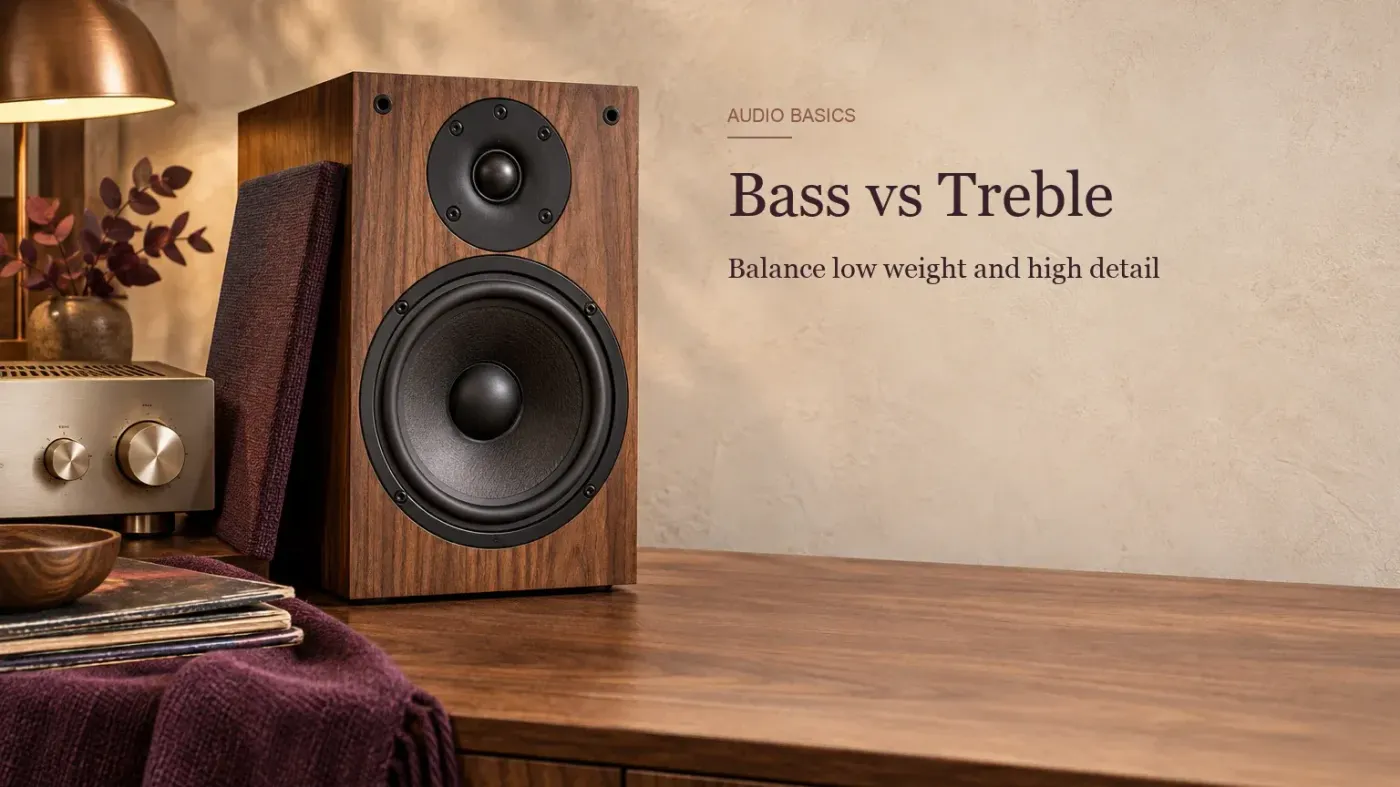
Bass is the low part of sound—the weight, thump and rumble—while treble is the high part—the attack, brightness and fine detail. Neither should automatically be higher than the other. Start with both controls centered, identify the problem you can actually hear, and make one small change at a time.
Bass vs treble: the practical difference
| Question | Bass | Treble |
|---|---|---|
| Where is it? | Lower-frequency region | Higher-frequency region |
| What do you notice? | Kick impact, bass notes, warmth, rumble | Cymbal attack, consonants, string noise, air |
| Too much | Boomy, muddy, swollen, masks other parts | Harsh, hissy, brittle, tiring |
| Too little | Thin, weak, lacking weight | Dull, veiled, lacking definition |
| Simple control | Broad low-frequency boost or cut | Broad high-frequency boost or cut |
The labels describe broad regions inside one continuous spectrum. They are useful listening words, not walls. A bass guitar produces harmonics well above the bass region, and a cymbal produces energy across more than the top octave. The same is true of speech: its fundamental pitch and its intelligibility cues do not live in one tidy box.

What frequency ranges count as bass and treble?
A useful beginner map places bass in the low end, midrange through the center, and treble toward the top. You will often see bass described as roughly 20–250 Hz and treble as roughly 4–20 kHz. Treat those figures as orientation, not a standard that every speaker, EQ or tone knob follows.
Bass
About 20–250 Hz
Rumble, kick weight, bass fundamentalsMidrange
About 250 Hz–4 kHz
Most musical body, voice and definitionTreble
About 4–20 kHz
Attack, brightness, sibilance and airReal controls use curves rather than hard borders. One Yamaha receiver, for example, specifies a bass turnover at 350 Hz and a treble turnover at 3.5 kHz; another device can use different points and a different boost or cut range. That variation is why the manufacturer’s tone-control specification matters more than a generic chart when you need an exact answer.
For a more detailed breakdown of sub-bass, low mids, presence and air, use the audio frequency chart. This page stays with the broader decision: what to change when the playback sounds too heavy, thin, harsh or dull.
What does the bass control change?
A bass control raises or lowers a broad low-frequency range. Boosting it can add weight to kick drums, bass lines, low piano notes and cinematic effects. Cutting it can reduce boom and make a crowded low end easier to follow.
More bass is not the same as better bass. A large boost can use amplifier and speaker headroom quickly, hide midrange detail and exaggerate room resonances. If the sound is boomy at one seat but weak at another, the control may be compensating for placement or the room rather than fixing the cause.
What does the treble control change?
A treble control raises or lowers a broad high-frequency range. A modest boost can make attacks and quiet details easier to notice. A modest cut can calm sharp cymbals, hiss or an overly bright speaker.
Treble is not a master “clarity” control. Speech intelligibility and musical definition also depend heavily on the midrange. If dialogue is buried under music or effects, pushing the treble high may add hiss and sibilance without solving the balance. Start with the mix mode, center channel or dialogue setting when the device provides one.
Frequency is not volume
Hertz and decibels answer different questions. Hertz describes how often a waveform repeats each second and places it in a pitch region. Decibels describe level or a change in level. Turning up the treble does not move a sound to a higher pitch, and turning up the bass does not simply raise the whole system’s volume.
Where in the spectrum?
Low numbers correspond to slower cycles and lower pitch regions; high numbers correspond to faster cycles and higher regions.
How much level or change?
A tone control may add or subtract decibels from a broad part of the spectrum while leaving other regions less affected.
Our hearing is also less sensitive at some frequencies than others. The NIDCD explanation of frequency and decibel measurement describes this frequency-dependent response. It helps explain why equal meter readings do not guarantee equal perceived loudness across the spectrum.
How to set bass and treble without guessing
- Start centered or flat.Disable loudness, bass boost, virtual surround and preset EQ while you establish a reference.
- Name one problem.Choose a concrete word such as boomy, thin, harsh or dull. “Not exciting enough” is too vague to guide a useful adjustment.
- Check the physical setup.Look at speaker placement, room boundaries, headphone seal and anything blocking a driver before using tone controls as a repair tool.
- Move one control a little.Use a small step, then listen to the same passage. Leave the other control alone so you know what caused the change.
- Compare at matched loudness.A louder setting often seems better for a moment. Reduce the overall volume if a boost made the comparison louder.
- Stop when the problem is solved.Do not keep turning the knob because the first change helped. Extreme settings usually trade one fault for another.
My rule is simple: if you cannot describe what improved, return to center. A repeatable small correction is more useful than a dramatic curve you cannot explain.
Which control should you change?
| What you hear | First check | Small adjustment to try |
|---|---|---|
| Boomy or swollen | Speakers close to a wall or corner; room resonance | Reduce bass slightly |
| Muddy | Low-mid buildup; several parts competing | A bass knob may help, but a targeted EQ is usually better |
| Thin or weak | Speaker polarity, headphone seal, listening position | Add a small bass boost only after the physical checks |
| Harsh or brittle | Playback level, bright recording, speaker angle | Reduce treble slightly |
| Hissy or overly sibilant | Source noise or vocal sibilance | A treble cut may soften it; targeted EQ or de-essing is more precise |
| Dull or veiled | Obstruction, off-axis speakers, worn pads | Add a small treble boost after checking the setup |
| Dialogue still unclear | Midrange balance, center channel, mix mode | Do not assume more treble is the answer |
Bass and treble settings for speakers and soundbars
Begin with the controls centered and the speakers placed symmetrically. Pulling a speaker away from a wall or corner can reduce boundary reinforcement before you touch the bass control. Moving the listening position can also change the low end more than a small tone adjustment.
For a soundbar, keep the bass moderate enough that effects do not cover dialogue. If speech remains hard to understand, check the dialogue, center, night or clear-voice modes before adding a large treble boost. Those controls may address the relevant channel or dynamic range more directly.
If the problem changes sharply from seat to seat, use an audio spectrum analyzer as a diagnostic aid and compare several positions. The graph can show where energy changes, but it does not choose a preferred tonal balance for you.
Bass and treble settings for headphones
With over-ear and in-ear headphones, fit comes first. A weak seal can remove bass, while pad wear or a shifted ear position can alter the balance. Fix the fit before compensating with EQ; otherwise the correction may be wrong the next time the seal changes.
Headphones also remove the room from the playback path, but the model’s tuning and your anatomy still affect what reaches the eardrum. Use familiar recordings, keep the overall level steady and avoid copying somebody else’s bass and treble numbers without the same device.
For production work, a colored playback chain can push decisions in the opposite direction. Yamaha’s neutral-monitoring guidance explains the basic trap: exaggerated bass or treble can lead a mixer to remove those regions, producing a mix that translates poorly elsewhere.
When bass and treble controls are not enough
| Tool | What it changes | Use it for |
|---|---|---|
| Bass and treble controls | Two broad low and high regions | Fast overall tonal balance |
| Graphic EQ | Several fixed frequency bands | Broad correction with more control |
| Parametric EQ | Selectable frequency, gain and bandwidth | Specific resonances, mud, harshness or surgical work |
Use the simplest control that solves the problem. Two knobs are enough when the whole playback is broadly too dark or too heavy. A narrow ring, boxy voice or one aggressive cymbal area needs a more precise tool. The Sound Forge equalizer guide covers that software workflow without turning this beginner comparison into an editing tutorial.
Tone balance does not make a loud level safe
Cutting treble may make loud playback feel less sharp, but it does not remove the risk created by excessive level and exposure time. The NIDCD overview of noise-induced hearing loss explains that both sound level and exposure duration affect risk. Set a comfortable overall volume first. Use tone controls for balance, not as permission to listen louder.
So, should treble be higher than bass?
No universal ratio works across rooms, speakers, headphones and recordings. Center both controls, solve the physical setup first, then adjust the specific symptom in a small step. If the sound becomes fuller without turning muddy, or clearer without turning harsh, the setting is doing its job.
The useful setting is the one you can explain and repeat. Keep it close enough to neutral that different recordings still retain their own character, and use a more precise EQ only when the problem has a specific frequency rather than a broad tonal tilt.