
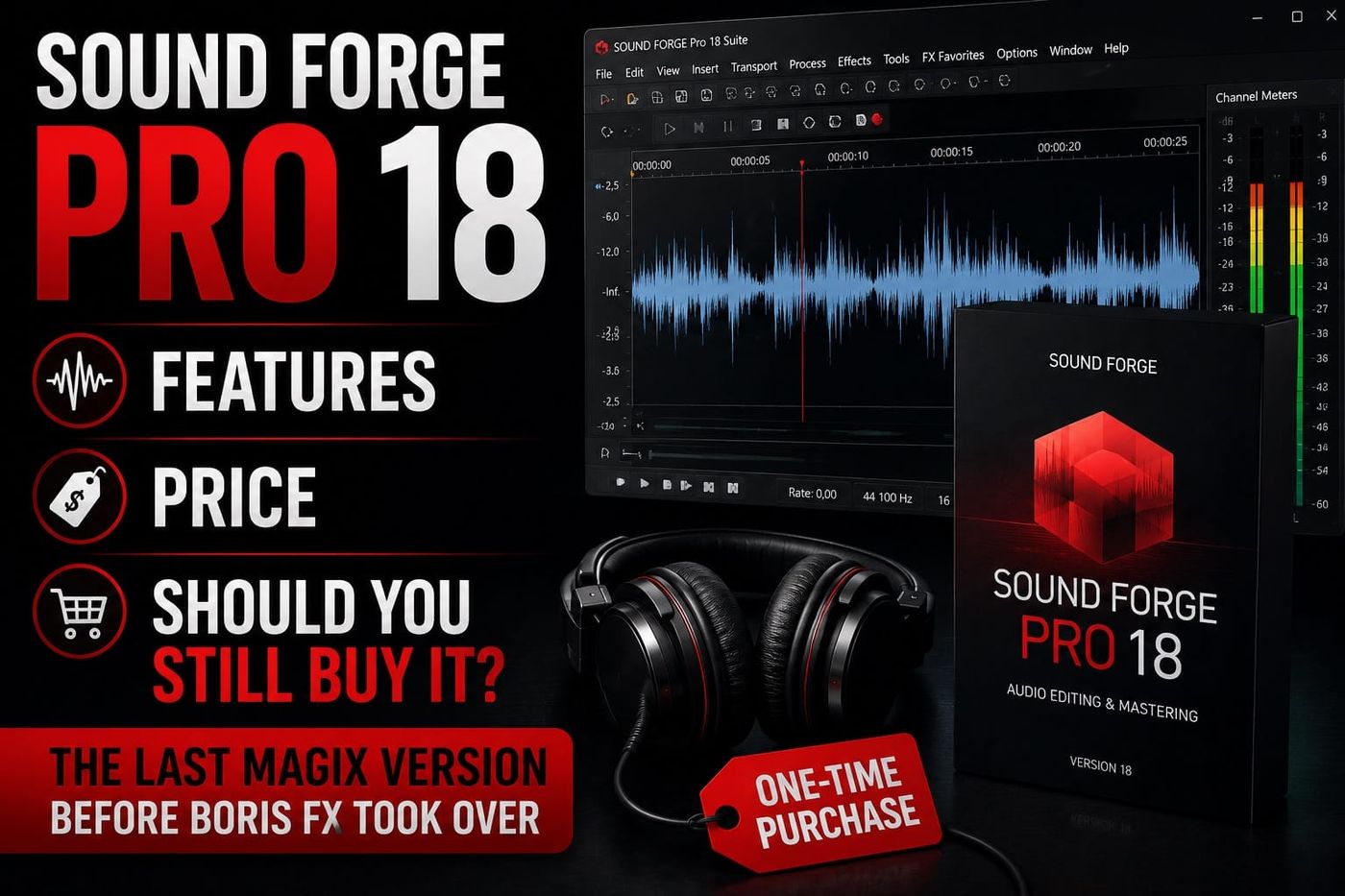
Short answer: keep Sound Forge Pro 18 if you already own it, it remains activated and your drivers and plug-ins are stable. A second-hand Pro 18 key is a poor default purchase in 2026 because the release is discontinued and its activation, transfer and third-party bundle rights must all survive the sale. New buyers should compare the current Boris FX version first.
This is a historical version guide. For the product sold today, read the current Sound Forge review and current pricing guide.
Sound Forge Pro 18 in one minute
MAGIX released Sound Forge Pro 18 on March 25, 2024. It was the final numbered MAGIX release before Boris FX announced the acquisition of Sound Forge, VEGAS Pro and ACID Pro on March 30, 2026. The current product is Sound Forge 2026, not Pro 19.
Pro 18 kept the familiar single-file waveform workflow: open or record audio, select a region, process it, then save or render the result. The original MAGIX launch release highlighted Text to Speech through MAGIX Hub, Storyblocks content, plug-in and ARA2 work, 32-channel recording/editing/processing and audio formats up to 64-bit/768 kHz.
Those are historical capabilities, not a reason to disturb a reliable workstation. The practical decision depends on activation, the exact edition, third-party serials, drivers and the files you still need to open.
What Sound Forge Pro 18 actually included
The launch material mixed general release highlights with edition-specific bundle items. The safest reading separates the Sound Forge editor from services and third-party products. It also preserves a real rollout complication: standard-edition Text to Speech didn't appear for every buyer at the same moment.

| Feature or bundle item | Pro 18 | Pro 18 Suite | Evidence limit |
|---|---|---|---|
| Text to Speech through MAGIX Hub | Yes after rollout; build 21 may be required | Yes | Later moderator evidence qualifies launch-day access |
| Storyblocks audio | Documented regionally | Documented regionally | Regional offers may differ |
| Ozone 11 Elements and RX 10 Elements | Included in the release offer | Included | Verify the buyer's own installer and serials |
| 3D Reverb | No | Suite exclusive | Official MAGIX release |
| dynamicEQ oversampling | No | Suite exclusive | Oversampling, not dynamicEQ itself, was the exclusive point |
| Melodyne 5 Essential | No | Suite exclusive | Separate third-party entitlement |
| SpectraLayers Pro 10 | Not established | Listed in a Japanese regional offer | Not proof of every global bundle |
Text to Speech: marketed at launch, qualified by build 21
MAGIX marketed Text to Speech as a Pro 18 headline feature. It ran online through MAGIX Hub, could synthesize entered text and was advertised with support for up to 100 languages. A later MAGIX forum answer from a moderator says it was originally available only in Pro 18 Suite and later added to the standard edition, where build 21 or later may be required.
That's why this guide doesn't say every base-edition launch build had Text to Speech. If you own standard Pro 18, update through the legitimate MAGIX account path and verify the service in your own build. Don't buy an old key solely for this online feature without confirming that the account and service still work.
Storyblocks, Ozone and RX
The MAGIX launch highlighted Storyblocks content along with Ozone 11 Elements and RX 10 Elements. A Sourcenext regional launch page documents Storyblocks audio for Pro 18 and audio plus video content for Suite. That's strong evidence for the Japanese offer; it doesn't prove that every region, reseller or promotional key had identical rights.
Ozone 11 Elements and RX 10 Elements were presented as part of the mastering and restoration offer. Existing owners should still rely on their order confirmation, installer list and serial records. A product logo on an archived sales image cannot reactivate a third-party licence.
What the 32-channel and 64-bit/768 kHz claims mean
MAGIX described recording, editing and processing for up to 32 channels. That's a channel ceiling; it doesn't mean Pro 18 became a multitrack DAW. Sound Forge still centers work on an audio file or multichannel file rather than a layered MIDI and music-production timeline.
The advertised 64-bit/768 kHz maximum is also a capability ceiling; it doesn't make 768 kHz a sensible default for voice, music delivery or archival conversion. The source format, destination specification, converters, plug-ins, storage cost and processing load still determine the working format. Our sample-rate and bit-depth guide explains the practical conversion choices.
For a legacy workstation, compatibility matters more than the headline maximum. In my experience a plug-in or driver gives out long before the editor reaches its published channel or sample-rate limit. Test one copy of a real production file through the complete chain before migrating an archive.
The Pro 18 Suite extras
The MAGIX release explicitly marked three additions as Suite-exclusive: 3D Reverb, dynamicEQ oversampling and Melodyne 5 Essential. The oversampling qualifier matters: the claim covers an extra dynamicEQ processing mode and isn't proof that the base editor lacked dynamic EQ entirely.
3D Reverb was described for surround-capable work from stereo through 10 channels. Melodyne 5 Essential added pitch and timing tools under a separate third-party product entitlement. If either tool still matters to an old project, preserve the relevant installer, licence account and rendered safety audio before changing hardware.
Sourcenext also listed SpectraLayers Pro 10 in its regional Pro 18 Suite offer. That's a documented regional bundle rather than a universal global entitlement. Verify the exact order and serial before assuming a used Suite key includes SpectraLayers or that its separate activation can be transferred.
Historical Sound Forge Pro 18 launch prices
The figures below are MAGIX list prices from March 2024. They help check an old receipt and explain the original Pro-versus-Suite gap. They are not current market values or Boris FX offers.

Pro 18 launched at $399/€399 for a perpetual licence and $199/€199 for an upgrade. Pro 18 Suite was $599/€599, with a $299/€299 upgrade. MAGIX also listed month-to-month and 12-month 365 plans. The lower 12-month figures were monthly rates under a 12-month commitment, not total annual prices.
An old key offered near a historical upgrade price isn't automatically a bargain. A buyer still needs an eligible licence transfer, the correct base or Suite edition, working MAGIX account access and separate rights for every promised plug-in. Compare any offer with the live Boris FX pricing page before assigning value to a discontinued key.
Sound Forge Pro 18 vs Sound Forge 2026
The ownership, naming and bundle structure changed. MAGIX sold Pro 18 and Pro 18 Suite. Boris FX currently sells Sound Forge and Sound Forge Plus with perpetual and subscription choices. The shared single-file editing idea remains, but these are different offers from different owners.
The current Sound Forge product page describes local Text to Speech processing. Pro 18 used the online MAGIX Hub route. For a workstation that depends on speech generation, that service difference is more important than the year in the product name.
The current published system baseline is Windows 11, according to the Sound Forge system requirements. A licensed Pro 18 installation can keep working on a stable machine, but that doesn't create a promise of current support for every audio driver, legacy plug-in or activation path after a hardware move.
For the present bundle decision, our Sound Forge versus Sound Forge Plus comparison separates the shared editor from the four current Plus additions. Don't map the old Pro 18 Suite name straight onto the current Plus tier.
What Pro 18 users reported
Community reports help identify risks, but they do not establish product policy. In a 2025 MAGIX forum discussion about buying or upgrading to Pro 18, users described modest version-to-version changes, one improved ARA experience in a trial and mixed views of the available Text to Speech voices. The original poster later described the application as mostly fine while finding the speech voices unsuitable for professional voice-over work.
That evidence is directional; it doesn't prove universal stability, voice quality or compatibility. The useful lesson is narrower: test the actual VST and ARA tools that matter to your workstation, and don't treat a feature list as a substitute for one controlled migration test.
Should you keep Pro 18, move to current Sound Forge or buy used?

Keep Pro 18 when the workstation is stable
Keep the installation if it's already activated, your interface and plug-ins work, and it completes the jobs you still receive. A stable production machine has value; there's no need to upgrade just because a newer year exists.
Move when the support path matters
Compare the current release when you are building a new Windows 11 system, need support from the present owner, rely on local Text to Speech or want a licence sold under the current product line. Test critical VST and ARA tools before replacing the production machine.
Pause before a used Pro 18 key
No current primary policy reviewed for this article establishes one universal transfer procedure for Pro 18 and every bundled third-party product. Before paying, ask MAGIX to confirm whether the exact licence is transferable, then verify each third-party entitlement separately. A seller's screenshot isn't proof that Melodyne, SpectraLayers, Ozone, RX or another product will activate in your account.
Existing owners should archive installers, serials, presets and rendered reference files. Boris FX says pre-2026 product downloads remain hosted by MAGIX, so the original MAGIX Service Center account remains the correct starting point. Avoid unofficial installer mirrors and shared keys.
A safe Pro 18 reinstall checklist
Before removing the working installation, collect the evidence needed to rebuild it. This is more reliable than discovering one missing entitlement after the old system is gone.
- Record the exact build. Open the About dialog and save the complete Pro 18 build number, including whether standard Text to Speech is available.
- Export the order record. Save the MAGIX invoice, account email, edition name and every serial attached to the purchase.
- List third-party products separately. Record Melodyne, Ozone, RX, SpectraLayers or other licences under the vendor account that actually activates them.
- Archive installers and presets. Keep checksummed copies where the licence permits, plus custom chains, scripts and keyboard settings.
- Render safety audio. Export reference WAV files or stems for projects that depend on old plug-ins.
- Test on a nonproduction machine first. Confirm activation, audio-interface I/O, VST/ARA loading and one complete render before retiring the stable workstation.
For a clean rebuild, follow the current Sound Forge installation workflow only after separating legacy MAGIX installers from the current Boris FX Hub process. They are not interchangeable.
Frequently Asked Questions
When was Sound Forge Pro 18 released?
MAGIX released Sound Forge Pro 18 on March 25, 2024. It was the final numbered MAGIX release before Boris FX acquired the Sound Forge product line in March 2026.
What was new in Sound Forge Pro 18?
MAGIX highlighted Text to Speech through MAGIX Hub, Storyblocks content, Ozone 11 Elements, RX 10 Elements, VST and ARA2 work, 32-channel processing and audio up to 64-bit/768 kHz. Later moderator evidence says standard-edition Text to Speech may require build 21 or later.
Did the base Sound Forge Pro 18 edition include Text to Speech?
MAGIX marketed Text to Speech as a Pro 18 feature, but a later MAGIX forum moderator said it began as Suite-only and reached the standard edition in build 21. Verify the installed build and account service rather than assuming launch-day access.
Did Sound Forge Pro 18 include 3D Reverb?
Only Pro 18 Suite included 3D Reverb. MAGIX also marked dynamicEQ oversampling and Melodyne 5 Essential as Suite-exclusive.
How much did Sound Forge Pro 18 cost?
Historical March 2024 list prices were $399/€399 for Pro 18 and $599/€599 for Pro 18 Suite. Upgrade prices were $199/€199 and $299/€299. These are not current Boris FX offers.
Is Sound Forge Pro 18 the same as Sound Forge 2026?
No. Pro 18 is the discontinued 2024 MAGIX release. Sound Forge 2026 is the current Boris FX product with different tier names, current support and locally processed Text to Speech.
Can I still use Sound Forge Pro 18 in 2026?
Yes, if an existing licence remains activated and the Windows, driver and plug-in setup is stable. Continued use does not guarantee support after a hardware or operating-system change, so archive installers, serials and presets first.
Should I buy a used Sound Forge Pro 18 licence?
Usually not without written verification. Ask MAGIX whether the exact licence is transferable, then confirm every third-party product entitlement with its vendor. Compare the total risk and cost with the current Boris FX offer before paying.
Was Sound Forge Pro 19 released?
No official Sound Forge Pro 19 was released. Pro 18 was the final numbered MAGIX version, followed by the Boris FX Sound Forge 2026 product line.
Where can an existing owner download Sound Forge Pro 18?
Boris FX says versions released before 2026 remain hosted by MAGIX. Use the MAGIX Service Center account tied to the original purchase and avoid unofficial installer mirrors or shared keys.
Last fact-checked: August 14, 2026.